How I Turned ChatGPT Into an AI Content Automation Engine with BlackOps Center
If you already use ChatGPT to write, brainstorm, or plan content, you have probably noticed the same problem.
Great ideas happen inside the conversation.
Then the real work begins.
Copy the text. Open your CMS. Paste the draft. Open a scheduler. Paste the tweets. Save notes somewhere else. Try not to lose the context.
The writing is easy.
The workflow around it is the friction.
BlackOps GPT removes that friction.
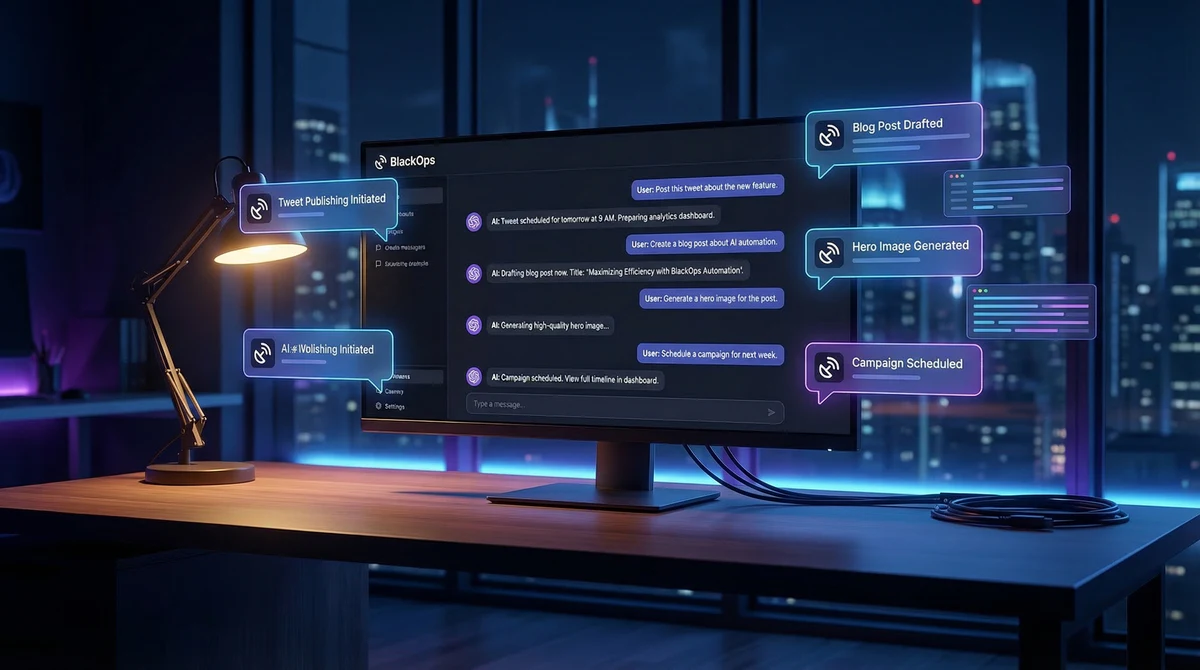
It turns ChatGPT into a control layer for your publishing system so the same conversation where ideas are created is also where content is drafted, saved, organized, and scheduled.
Instead of using ChatGPT like a scratchpad, you can use it to run your publishing workflow.
What BlackOps GPT Actually Does
BlackOps connects ChatGPT directly to your content systems.
From a single conversation you can:
-
Create blog post drafts on your site
-
Generate tweet threads and save them as drafts
-
Schedule tweet campaigns
-
Capture conversations as structured notes
-
Sync ideas directly to repositories
-
Write content using your brand voice and context
The goal is simple.
Turn thinking → writing → publishing into one continuous workflow.
Example: Creating a Blog Post
Instead of writing in ChatGPT and moving the text into your CMS, you can do it directly from the conversation.
Example prompt:
"Create a blog post about how AI is changing publishing workflows."
BlackOps can then:
-
Generate the article
-
Create the post on your site
-
Save it as a draft
-
Update the post after edits
-
Generate a hero image
Nothing is published automatically. You always review and confirm before anything goes live.
The conversation becomes your editor.
And here is what was created in BlackOps Center:
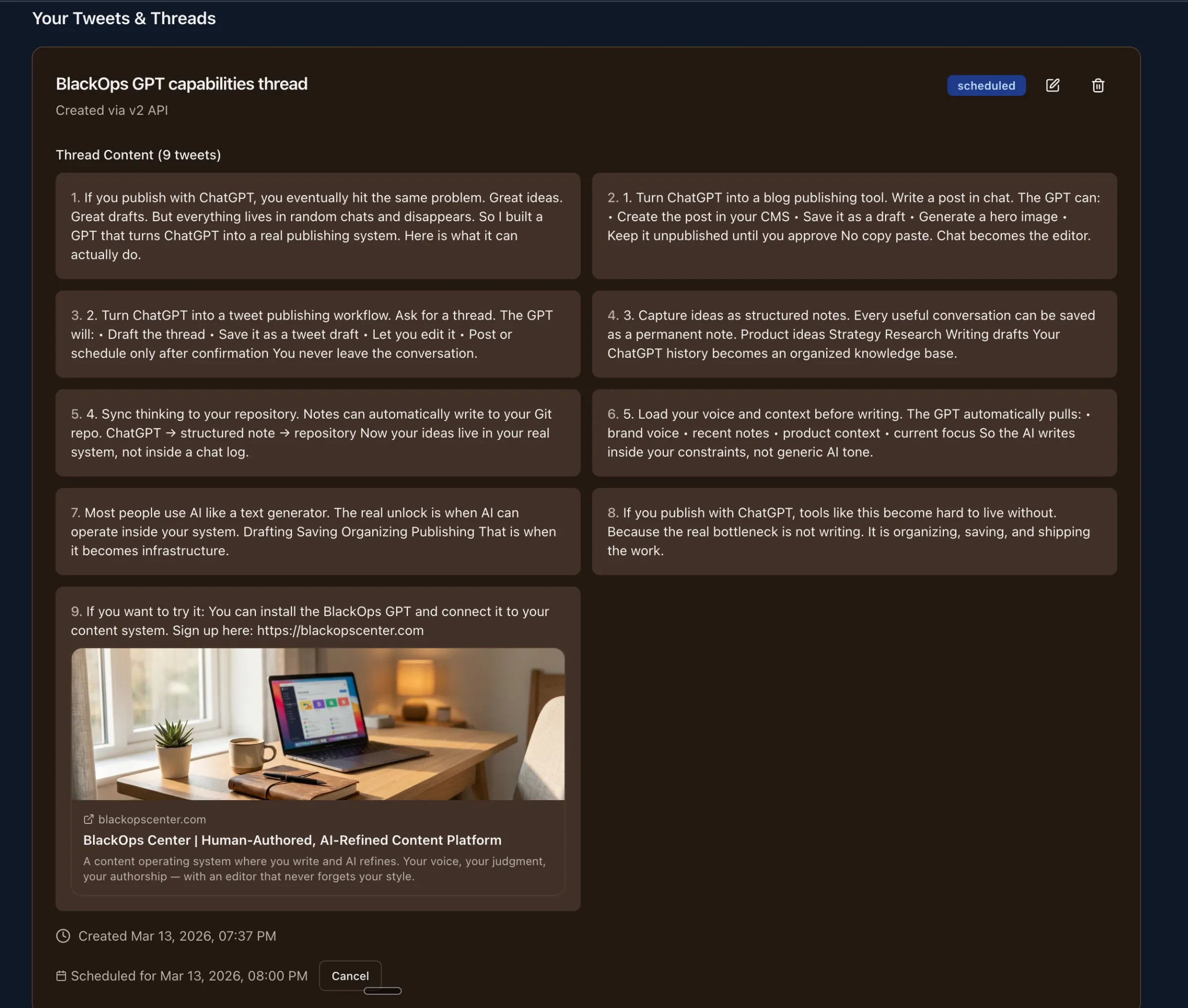
Example: Running a Tweet Campaign
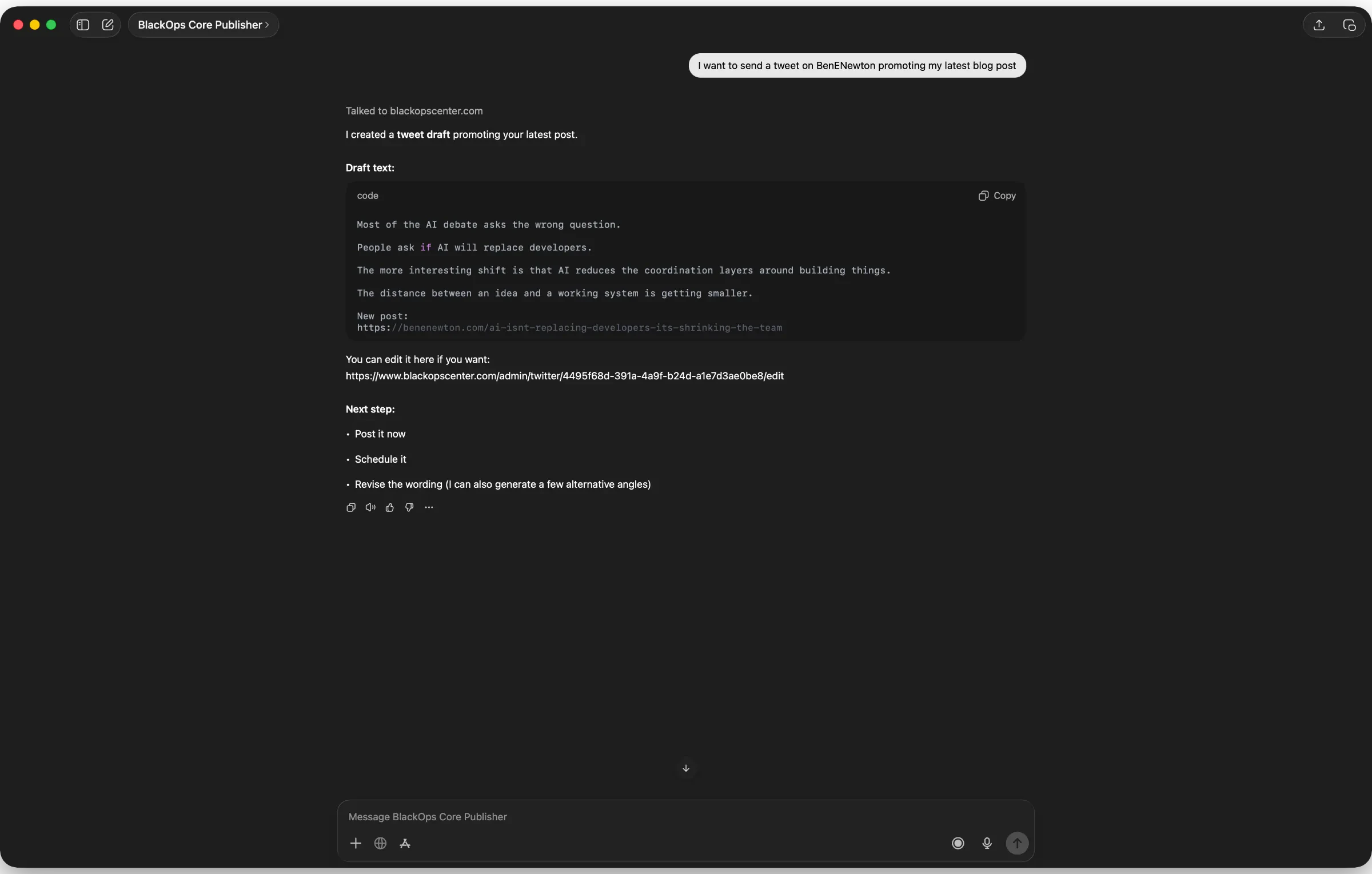
BlackOps also connects directly to your X workflow.
You can ask ChatGPT to create and schedule campaigns.
Example prompt:
"Create variations of this post and schedule them across the next three days."
BlackOps can then:
-
Generate tweet variations
-
Save them as drafts or scheduled posts
-
Distribute them across multiple time windows
Instead of manually creating and scheduling each tweet, the campaign can be created in a single conversation.
Capture Ideas Before They Disappear
A huge amount of useful thinking happens inside ChatGPT conversations.
Strategy discussions. Product ideas. Research. Content outlines.
Normally those ideas disappear into chat history.
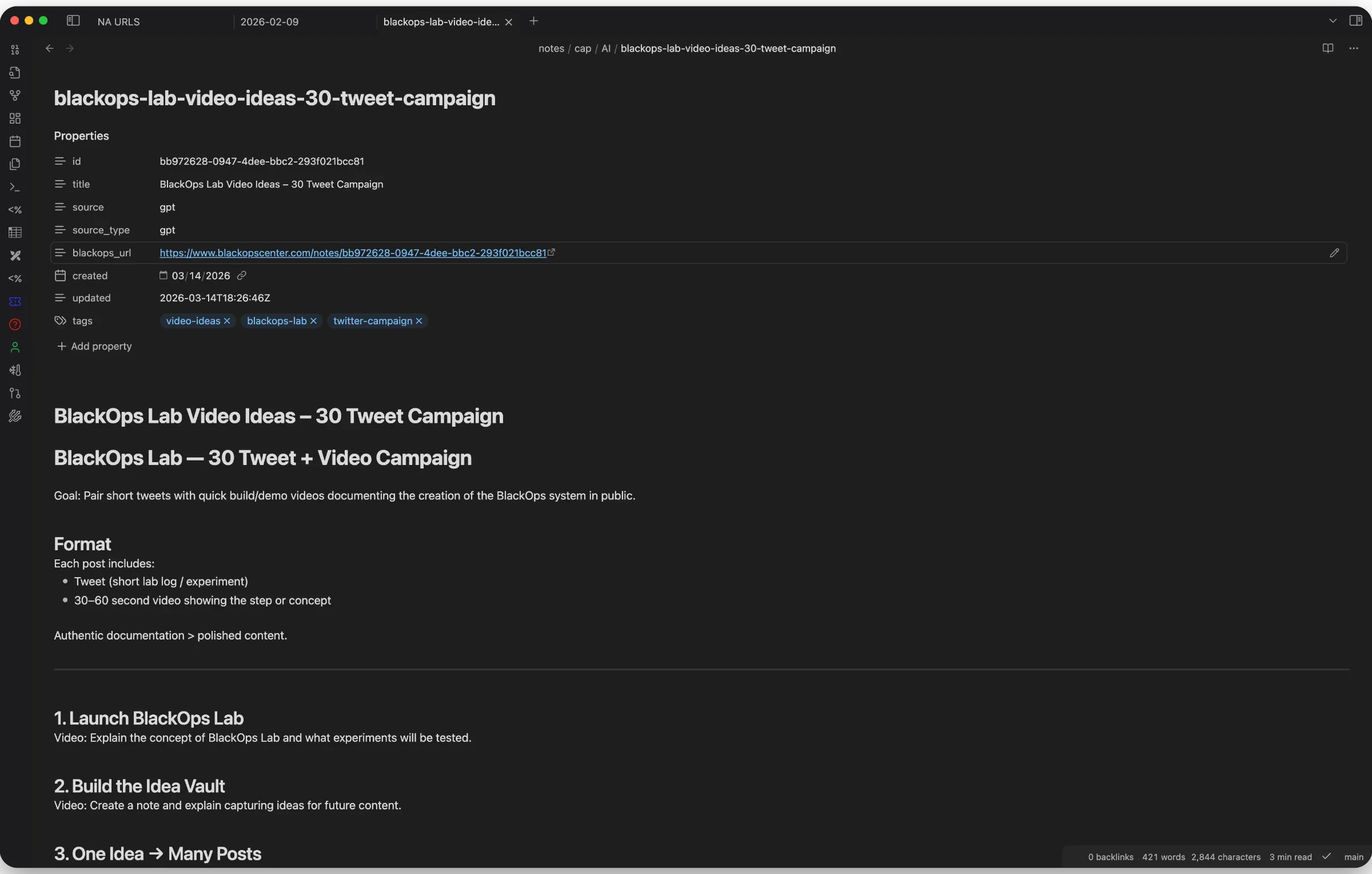
BlackOps lets you turn any conversation into a structured note inside your system.
Your thinking does not get lost. It becomes part of a searchable knowledge base.
Sync Conversations to Your Repository
Notes captured from conversations can also sync directly to connected repositories.
The workflow looks like this:
ChatGPT → structured note → repository
Your ideas move from conversation to documentation automatically.
This turns ChatGPT into a real part of your knowledge infrastructure rather than a temporary interface.
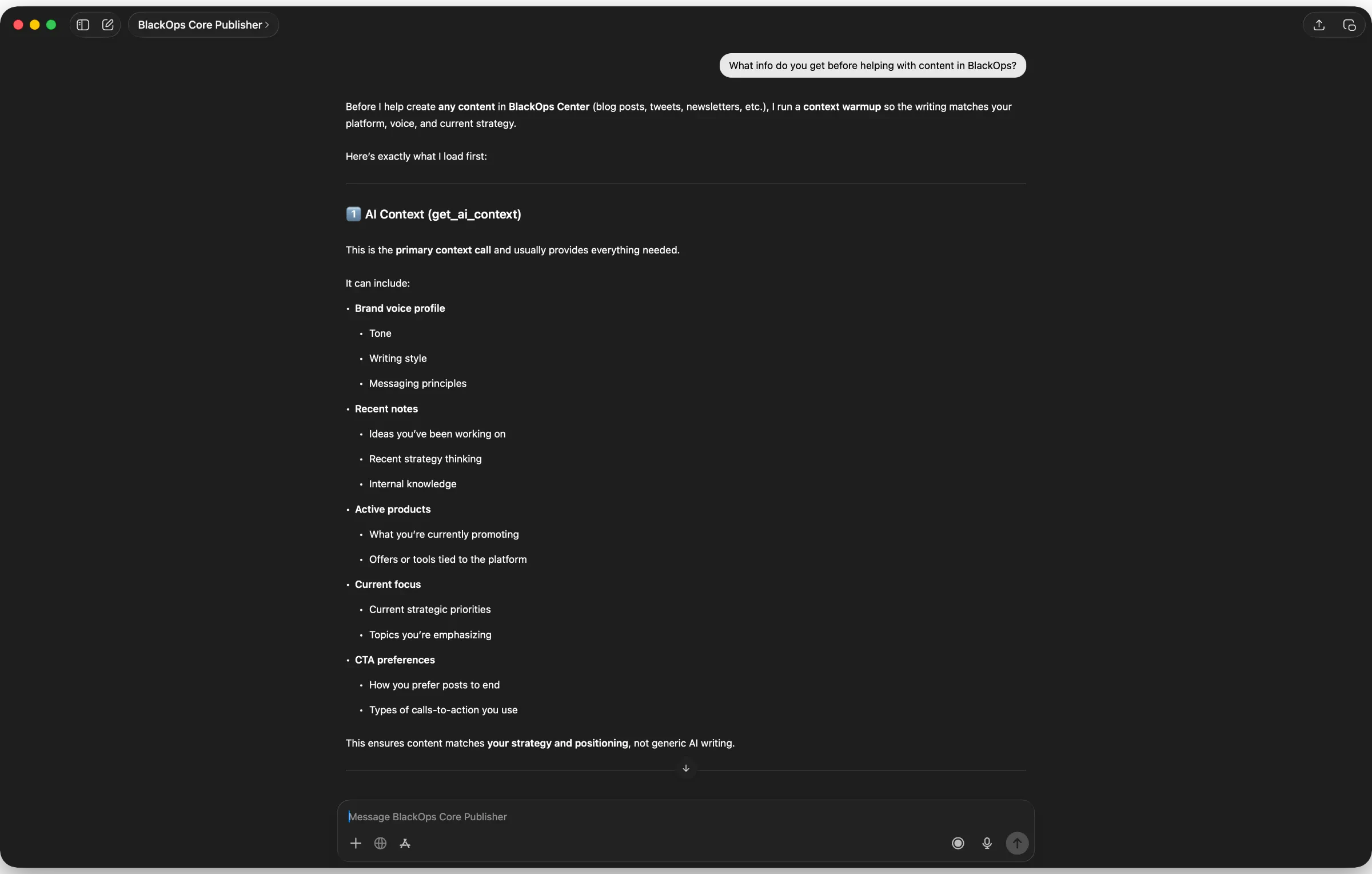
Context-Aware Writing
Most AI tools generate generic content because they lack context.
BlackOps loads your context before generating content, including:
-
brand voice
-
recent notes
-
product positioning
-
current focus
The result is writing that stays aligned with your strategy instead of sounding like generic AI output.
Draft-First Safety
BlackOps follows one strict rule.
Nothing publishes automatically.
Posts are created as drafts. Tweets are created as drafts or scheduled items.
You review and confirm before anything goes live.
This keeps the system safe while still removing most of the manual work.
Why This Matters
Most people think AI tools are about generating text.
The real shift happens when AI can operate inside your systems.
Traditional workflow:
AI → text → copy → paste → publish
BlackOps workflow:
AI → draft → system → publish
BlackOps connects the conversation where ideas are created with the systems where content actually lives.
Who BlackOps Is For
BlackOps GPT is designed for people who regularly publish or think in ChatGPT.
Founders Developers Writers Operators Anyone building in public
If you already use ChatGPT for thinking and writing, BlackOps turns that conversation into a real publishing engine.
Start Using BlackOps
If you want to run your publishing workflow directly from ChatGPT, install the BlackOps GPT and connect it to your content system.
Start here: