Introducing the BlackOps Center Clawdbot Skill: Manage Your Content from Anywhere

Introducing the BlackOps Center Clawdbot Skill
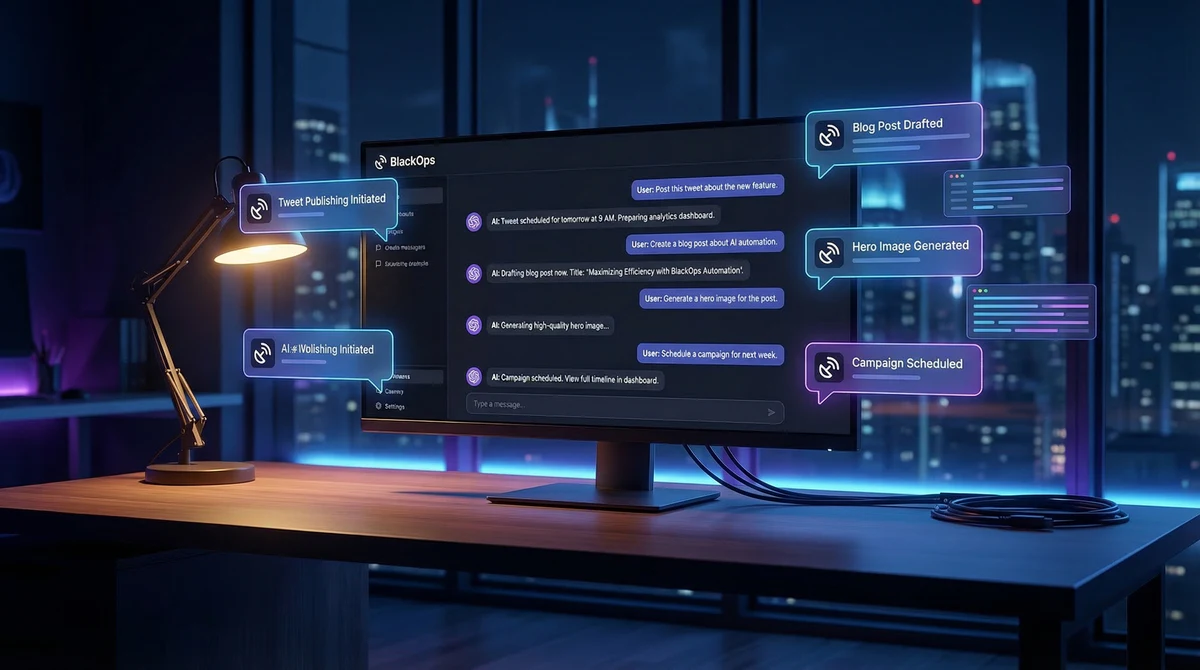
We just shipped the official Clawdbot skill for BlackOps Center. Now you can manage all your sites and posts directly from your AI assistant—no browser required.
What It Does
The BlackOps Center skill gives Clawdbot (and you) full access to your content operations:
- List all your sites - See every site you have access to
- Create posts - Draft or publish content to any site
- List posts - Filter by status (draft/published), limit results
- Get post details - Pull full content and metadata
- Update posts - Edit existing content
- Delete posts - Remove posts when needed
All through simple CLI commands or natural language requests to your AI assistant.
Why This Matters
Content management tools lock you into their interface. This skill unlocks your content for automation.
Use cases:
- Generate blog posts with AI and publish them directly
- Pull draft posts into your editing workflow
- Automate content operations (scheduled publishing, batch updates)
- Build custom integrations without touching the web UI
- Manage multiple sites from one command
If you're using Clawdbot for content generation, this closes the loop. Your AI can now write and publish without you switching contexts.
Installation
1. Install Clawdbot
If you don't have Clawdbot yet:
npm install -g clawdbot
clawdbot gateway start
Full setup: Clawdbot Documentation
2. Install the Skill
Option A: Via ClawdHub (Recommended)
npx clawdhub install blackops-center
Option B: Manual Install
cd ~/clawd/skills
git clone https://github.com/BlackOpsCenter/clawdbot-skill.git blackops-center
3. Generate an API Token
- Log into your BlackOps Center account
- Go to Settings → API Tokens
- Click "Generate External API Token"
- Copy the token (starts with
boc_ext_)
4. Configure the Skill
Create ~/clawd/skills/blackops-center/config.yaml:
api_token: "boc_ext_YOUR_TOKEN_HERE"
base_url: "https://www.blackopscenter.com"
That's it. The skill is now available to Clawdbot.
Usage
From the Command Line
# List all your sites
blackops-center list-sites

# List draft posts for a specific site
blackops-center list-posts --domain benenewton.com --status draft

# Create a new post
blackops-center create-post \\
  --domain blackopscenter.com \\
  --title "My New Post" \\
  --content "# Hello World\\n\\nThis is my post." \\
  --status draft

# Get a specific post
blackops-center get-post <post-id>

# Update a post
blackops-center update-post <post-id> \\
  --title "Updated Title" \\
  --status published

# Delete a post
blackops-center delete-post <post-id>
From Clawdbot (Natural Language)
Just ask:
- "How many draft posts do I have on benenewton.com?"
- "Create a blog post about X on blackopscenter.com"
- "List all my sites"
- "Publish the draft titled 'My Post' to benenewton.com"
Clawdbot will use the skill automatically.
Multi-Site Support
One token works across all your sites.
Use --domain or --site-id to target specific sites:
blackops-center list-posts --domain benenewton.com
blackops-center list-posts --domain blog.vitalwall.com
blackops-center create-post --domain blackopscenter.com --title "..."
No need to generate separate tokens per site.
What's Next
This is v1. Planned features:
- Scheduled publishing - Set publish dates via CLI
- Media uploads - Attach images to posts
- Tag management - Create and assign tags
- Analytics - Pull post performance data
- Batch operations - Bulk publish/update/delete
If you need something specific, open an issue on GitHub.
The Bigger Picture
This skill is part of our mission: make your expertise programmable.
BlackOps Center isn't just a blogging platform. It's infrastructure for people who think in systems.
If you're using AI to generate content, you need API-first tooling. If you're managing multiple sites, you need automation. If you're building workflows, you need control.
This skill gives you that control.
Get started: Install Clawdbot | Get your API token
Source code: GitHub - BlackOps Center Clawdbot Skill
Questions? Reply here or ping us on Twitter/X.